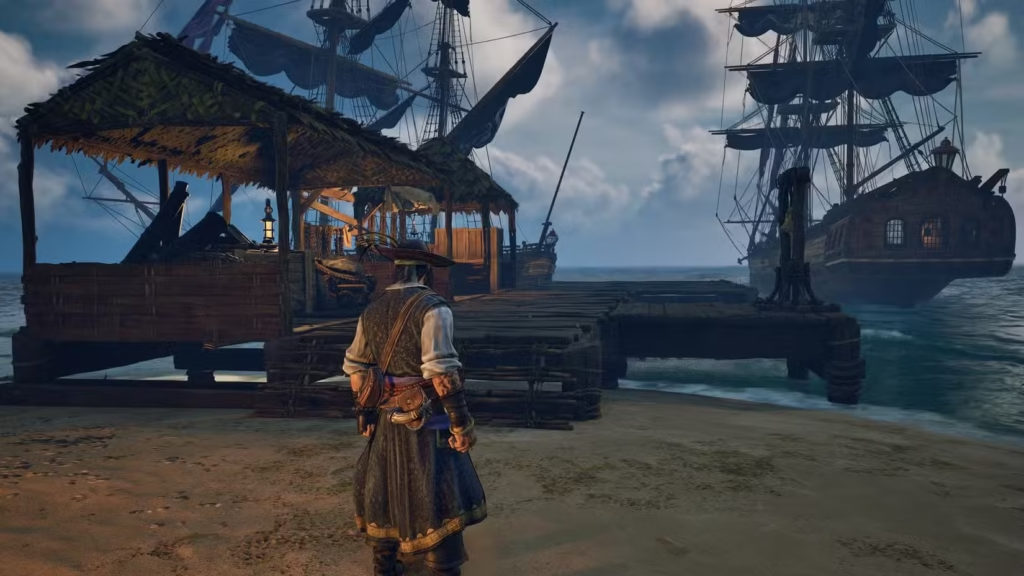
The Wharf in Windrose is a shoreline structure used to build ships, manage your fleet, install ship equipment, and repair damaged vessels. Building one requires 10 Wood and 10 Coarse Fabric, along with the Wharf blueprint unlocked through the main questline.
Once the blueprint becomes available, press B to open the Building Menu, find the Wharf under Utilities, and place it along the coastline. The structure must connect to the shoreline, so it cannot be built entirely inland.
How to Unlock the Wharf in Windrose
The Wharf becomes available as you progress through the early ship-related main quests. Its introduction is tied to preparing your first proper ship for naval combat.
Follow these quests in order:
- Rescuing the Crew – Complete the main quest involving your missing crewmates.
- I Need a Bigger Boat – Continue the main storyline to obtain your first Ketch and advance shipbuilding progression.
- How My Sea Adventure Began – Progress through the objectives involving the Shipwright’s Workshop and crafting 12-Pounder Cannons.
During How My Sea Adventure Began, the game introduces the Wharf as part of the process of equipping your ship. If the building is missing from the construction menu, continue the cannon-related objectives at the Shipwright’s Workshop.
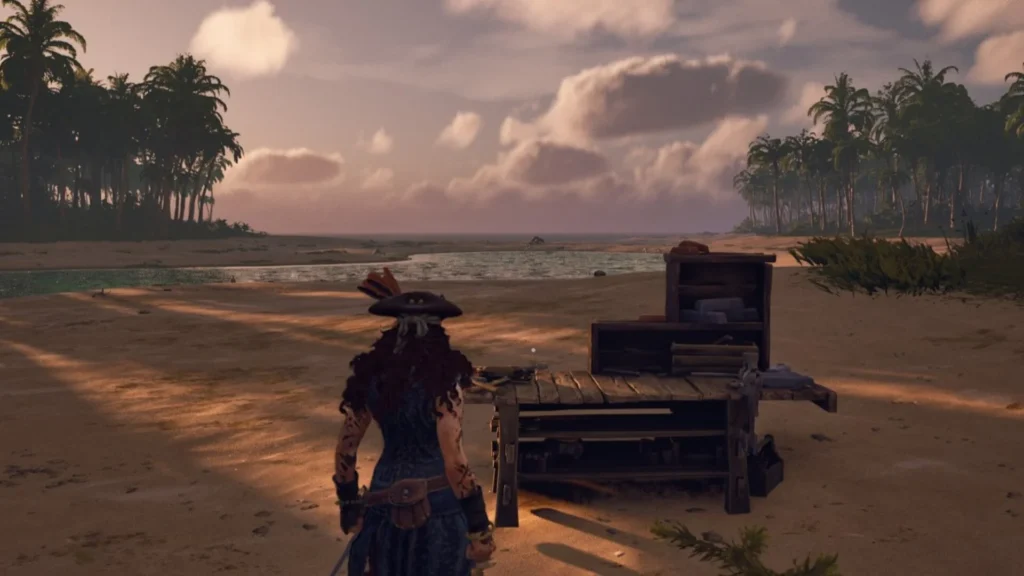
The Shipwright’s Workshop and Wharf serve different purposes. The workshop produces cannons and other ship equipment, while the Wharf allows you to install those upgrades on your vessel.
Materials Required to Build a Wharf
The Wharf requires only two resources, both available through early-game gathering and crafting.
| Material | Amount | How to Get It |
|---|---|---|
| Wood | 10 | Harvest large trees and palm trees. |
| Coarse Fabric | 10 | Craft from Plant Fiber at a Workbench. |
How to Get Wood
Wood is a common building resource gathered from large trees and palms. Collect at least 10 Wood for the Wharf, keeping in mind that additional Wood is useful for constructing the Shipwright’s Workshop and crafting ship equipment.
How to Craft Coarse Fabric
Coarse Fabric is produced at a Workbench using Plant Fiber. Harvest shrubs to collect the fiber, then use the Workbench’s crafting menu to turn it into fabric.
Each Coarse Fabric requires 3 Plant Fiber, so crafting the 10 pieces needed for a Wharf takes 30 Plant Fiber.
With both materials ready and the blueprint unlocked, you can place the structure directly from the Building Menu.
How to Build a Wharf in Windrose
After unlocking the blueprint and collecting the materials, follow these steps:
- Travel to the coastline. Find a shoreline area with enough room for the Wharf.
- Open the Building Menu. Press B on the default keyboard controls.
- Find the Wharf. Navigate to Crafting & Utilities → Utilities, where the Wharf appears alongside other utility structures.
- Select the Wharf. Make sure you have 10 Wood and 10 Coarse Fabric available.
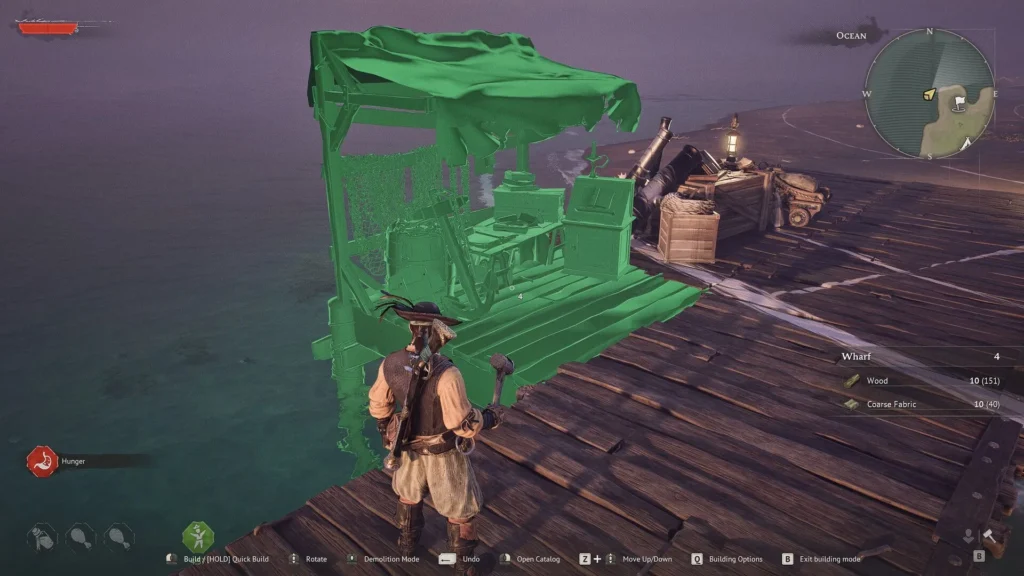
- Position the structure along the shore. Move the building preview until the placement is valid.
- Confirm construction. Place the Wharf and interact with it to access the ship-management functions.
The Wharf must be positioned along the shoreline rather than on ordinary inland terrain. It does not require a roof, and its placement is not restricted to the Bonfire’s operating range.
Where to Place Your Wharf
A convenient location is a section of coastline near your main base. This keeps the Wharf accessible when crafting equipment at the Shipwright’s Workshop or preparing a ship for another voyage.
A nearby Fast Travel Bell can make returning to your dock more convenient, particularly when your base is located away from frequently visited islands.
Avoid trying to place the Wharf deep inland. If the building preview shows an invalid position, move it toward the water and adjust its orientation until construction becomes available.
How to Use the Wharf in Windrose
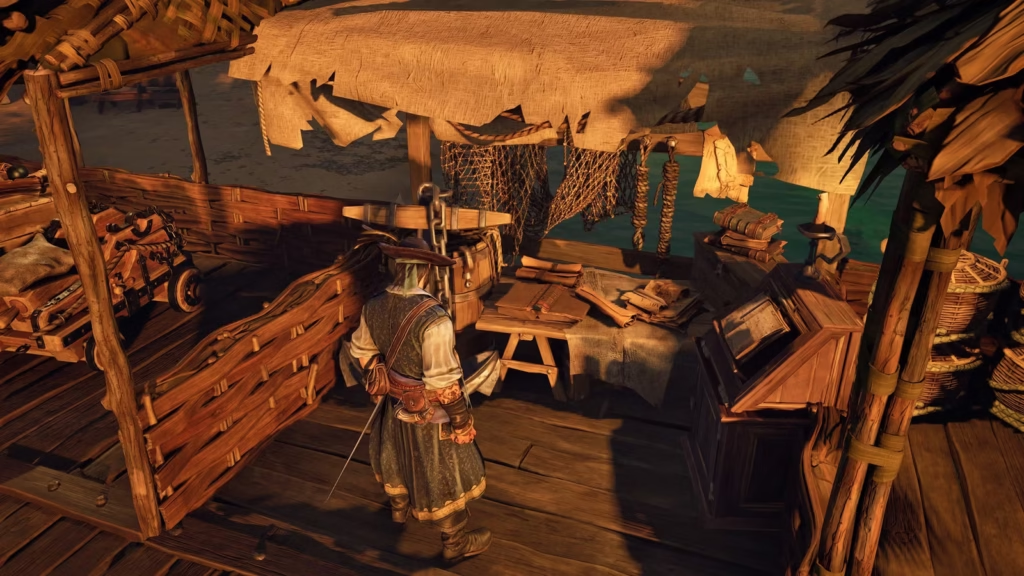
The Wharf becomes your main interface for working with ships once construction is complete. It handles ship selection, equipment installation, repairs, and the construction of additional vessels.
Manage Ships and Equip Cannons
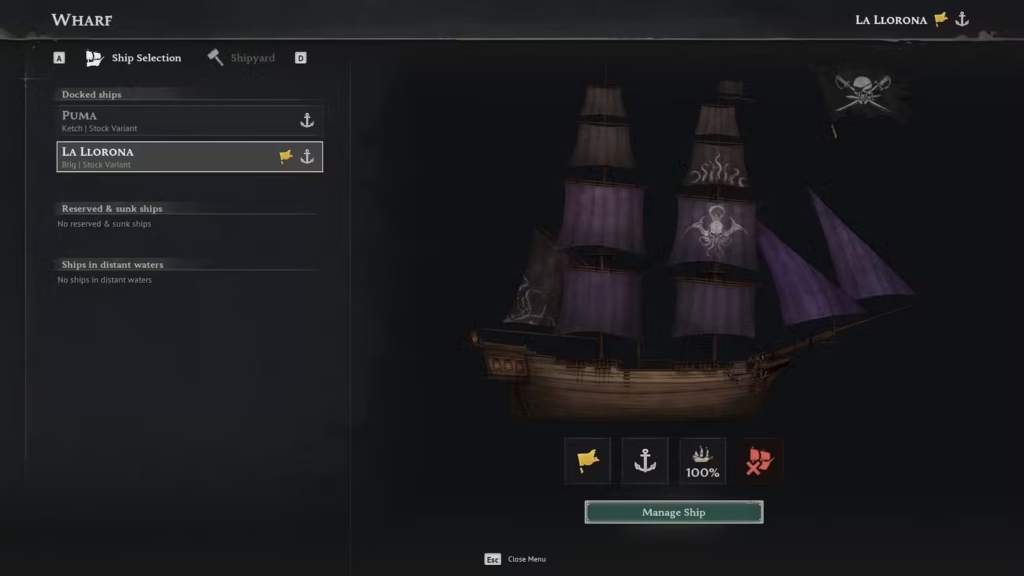
Interact with the Wharf and open the ship-management interface to access your available vessels and their equipment.
You can use this interface to:
- Select the ship you want to use.
- Equip compatible cannons and other ship parts.
- Change hull equipment and naval upgrades.
- Apply unlocked ship designs and cosmetic options.
For the early naval combat objectives, craft 12-Pounder Cannons at the Shipwright’s Workshop, then return to the Wharf. Open Manage Ship and place the cannons into the appropriate equipment slots.
Crafting cannons alone does not install them. The Wharf is required to equip the ship before heading into combat.
Build New Ships
The Wharf also provides access to shipbuilding through its Shipyard functions.
As additional ship recipes become available, you can use the Wharf to construct vessels such as Ketches, Brigs, and Frigates. Each ship has its own material requirements, separate from the resources used to construct the Wharf itself.
The ships available for construction depend on your unlocked recipes and progression.
Repair Damaged Ships
After naval combat, return to the Wharf to restore your vessel’s hull integrity.
Select the damaged ship and use the repair function with the required materials. The Wharf handles dockside repairs, while Repair Kits are used for repairs away from the dock.
Repairing your ship before another naval encounter prevents you from setting sail with an already damaged hull.
Why Can’t You Build a Wharf in Windrose?
Most Wharf construction problems involve quest progression, missing materials, or an invalid building location.
The Wharf Is Missing From the Building Menu
The Wharf blueprint is unlocked through the main storyline rather than being available from the beginning.
Complete Rescuing the Crew and I Need a Bigger Boat, then advance How My Sea Adventure Began through the Shipwright’s Workshop and cannon-crafting objectives. Check the Utilities section again after completing the relevant quest steps.
The Game Won’t Let You Place the Wharf
The Wharf is a shoreline building. Inland ground is not a valid location, even if the surface looks suitable for other structures.
Move closer to the coastline and adjust the building preview until the placement indicator accepts the position. You do not need to construct a roof or place the Wharf inside a building.
You Don’t Have Enough Materials
Check that you have the full construction recipe:
- 10 Wood
- 10 Coarse Fabric
If you’re short on Coarse Fabric, gather Plant Fiber from shrubs and craft the remaining pieces at a Workbench.
You Can’t Install Cannons on Your Ship
Cannons must be crafted at the Shipwright’s Workshop and equipped through the Wharf. Interact with the Wharf, select the ship, and open its equipment interface.
Check that the cannons are compatible with the selected ship and that you’re placing them into the correct equipment slots.
Windrose Wharf FAQ
Do You Need a Bonfire to Build a Wharf?
No. The Wharf is a freestanding shoreline structure and does not require placement within Bonfire range.
Can You Build a Wharf Anywhere?
No. The Wharf must be placed along the coastline. Inland locations are not valid.
Can You Build Multiple Ships at the Wharf?
Yes. The Wharf supports fleet management and the construction of additional ships as their recipes become available.
Is the Wharf the Same as the Shipwright’s Workshop?
No. The Shipwright’s Workshop is used to craft cannons and ship equipment. The Wharf is used to equip ships, manage vessels, build new ships, and perform dockside repairs.
What Materials Are Needed to Repair Ships?
Dockside repairs consume resources through the Wharf’s repair interface. The required materials depend on the repair operation and are separate from the 10 Wood and 10 Coarse Fabric needed to build the Wharf.